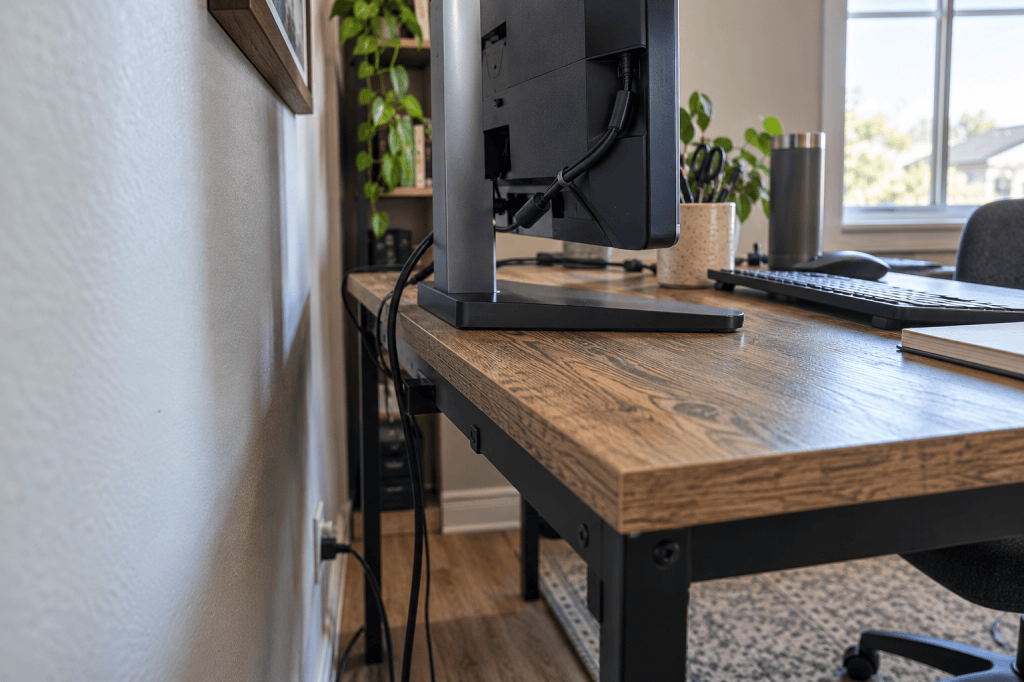
A monitor arm can look like the obvious answer when your monitor stand is taking over your desk.
Remove the chunky factory stand. Get some working surface back. Finally give your notebook somewhere to live besides the very edge of the desk.
Lovely.
Except there’s one small detail worth checking before you order anything:
Can you actually attach a monitor arm to your setup?
Monitor arms aren’t universally compatible. Your monitor has to work with the arm, but so does your desk. The mounting edge, desk construction, available space underneath and even the gap behind your desk can determine whether a particular arm will work.
So before you buy one, inspect these five things.
1. Check the VESA mounting pattern on your monitor
Start with the back of the monitor.
Most monitor arms attach using a standardized mounting-hole pattern called VESA. Two common patterns used by monitor arms are 75 × 75 mm and 100 × 100 mm, but don’t assume yours uses either one.
Check the specifications for both your monitor and the arm you’re considering.
You may see four mounting holes on the back of your monitor once its original stand is removed.
If you can’t tell from looking, find the model number of your monitor and check the manufacturer’s specifications or manual.
You’re looking for something along the lines of:
VESA: 100 × 100 mm
Then compare that with the mounting patterns supported by the monitor arm.
No match? Stop there.
The rest of the desk inspection doesn’t matter until you know how the monitor itself can attach.
2. Check the monitor’s weight — without the factory stand
Next comes weight.
Monitor arms have weight limits, and they aren’t all the same.
That means screen size alone isn’t enough.
A product saying it works with “up to a 32-inch monitor” does not automatically tell you everything you need to know.
Find the manufacturer’s specification for your monitor’s weight without its stand, then compare that number with the arm manufacturer’s supported weight range.
This is one of those gloriously boring checks that is much nicer to do before a large monitor is hovering above your desk.
3. Inspect the back edge — and underneath it
Now we get to the part that’s easy to miss when shopping online.
Look underneath your desk.
Most clamp-mounted monitor arms need access to both the top and underside of the desktop edge.
That can become a problem if your desk has:
- a thick frame directly underneath the top
- a rear support rail
- drawers near the back
- a cable-management tray
- an unusually shaped or bevelled edge
- very little usable surface for the clamp to grip
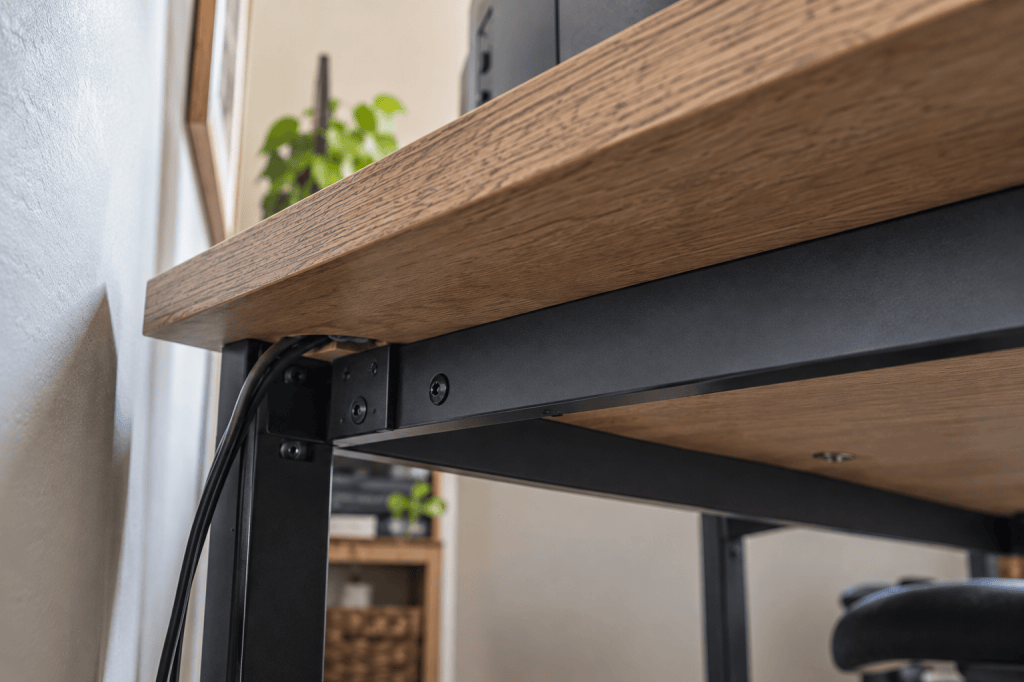
Different monitor arms also accept different desktop thicknesses.
That’s why there isn’t one universal answer to:
“Is my desk thick enough for a monitor arm?”
The useful question is:
“Does my desk fit the mounting requirements of this particular arm?”
Measure the actual mounting area and compare it with the manufacturer’s installation specifications.
And don’t measure only the thickness of the desktop. Look at what’s immediately underneath it.
A perfectly reasonable-looking desk edge from above can be a completely different story underneath.
4. Make sure the desk itself is suitable for the load
A clamp doesn’t simply sit on your desk. It concentrates the load of the monitor and arm onto a relatively small mounting area.
That makes the strength and construction of the mounting surface important.
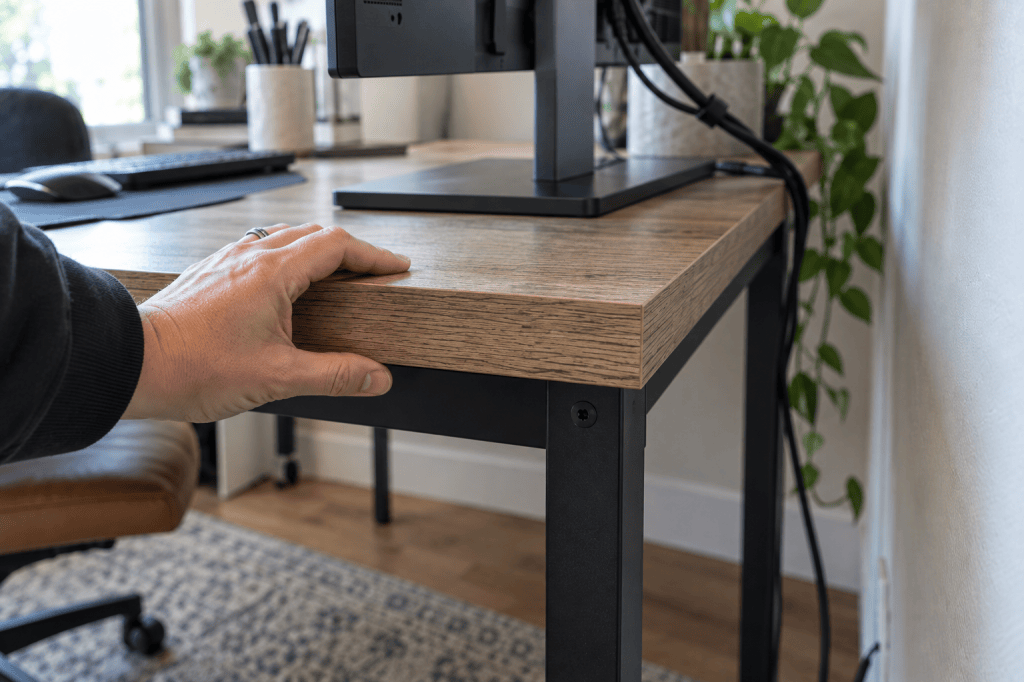
This isn’t a place where a simple rule like:
“Wood desk = yes. Particleboard = no.”
is particularly useful.
Real desks are more complicated than that.
Instead, inspect what you actually own.
- Is the top solid and structurally sound?
- Is it thin, hollow or damaged?
- Is the rear edge sturdy?
- Does the desk manufacturer say anything about monitor-arm mounting?
- Does the monitor-arm manufacturer specify mounting-surface requirements?
If you’re uncertain about the strength of the desk, don’t treat “the clamp technically fits” as proof that the installation is appropriate.
Physical fit and structural suitability are two different questions.
5. Check the space behind the desk
Finally, look at the wall.
A monitor arm may remove the stand from your working surface while introducing something else behind it:
The arm itself needs somewhere to go.
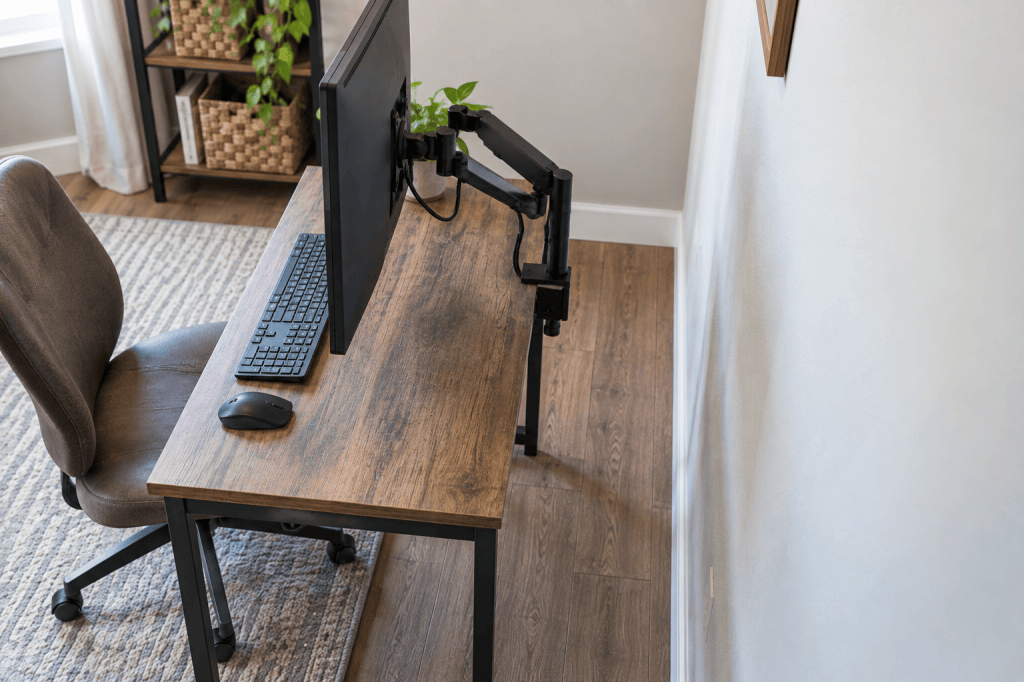
How much room it needs depends on the design.
Some mounting systems need clearance behind the desk simply to install the clamp. The arm may also extend behind the desk as you position the monitor.
This matters particularly on a shallow desk.
You don’t want to solve:
“My monitor stand uses too much depth.”
by accidentally creating:
“My new monitor arm pushes the screen farther toward my face.”
Before buying, look at the manufacturer’s dimensions and installation instructions and think about where the arm will physically go when the monitor is in the position you actually want.
What if a clamp won’t work on your desk?
That doesn’t necessarily mean a monitor arm is impossible.
Some monitor arms offer a grommet mount, which attaches through a suitable hole in the desktop rather than clamping onto the rear edge.
That can be useful when edge mounting isn’t possible.
But a grommet mount has its own compatibility requirements.
Again, the answer isn’t:
“Just buy a grommet arm.”
It’s:
Check the requirements for the particular mounting system against the desk you actually have.
And if neither mounting method makes sense?
Keeping the factory stand is allowed.
So is using a monitor riser.
So is deciding that the monitor stand isn’t actually the thing making your desk frustrating.
The goal isn’t to install a monitor arm.
The goal is to make your desk work better.
The 60-second monitor-arm check
Before you order an arm, confirm these five things:
- VESA: Does the arm support your monitor’s mounting pattern?
- Weight: Is the monitor’s stand-free weight within the arm’s supported range?
- Mounting edge: Does your desktop thickness and underside geometry work with the mounting system?
- Desk construction: Is the mounting area structurally suitable for the equipment?
- Clearance: Is there enough room to install the mount and position the arm where you actually want the screen?
If all five work, then it makes sense to start comparing monitor arms.
Not before.
One monitor arm worth considering
The ErGear Single Monitor Arm is one option that fits many standard single-monitor setups. According to the current product listing, it supports 13–34 inch monitors up to 19.8 lb, with 75 × 75 mm or 100 × 100 mm VESA patterns. It includes both clamp and grommet mounting options. Check your monitor and desk against the five compatibility points above before ordering.
Affiliate disclosure: This post contains affiliate links. If you buy through one of these links, Worth the Space may earn a commission at no extra cost to you.
See the ErGear Single Monitor Arm on Amazon
The Worth the Space Rule
A monitor arm can be a genuinely useful desk upgrade because it can do something another desktop organizer can’t:
Remove a footprint from the working surface entirely.
That matters most when desk space is tight, but the principle isn’t limited to small desks.
A large desk can become frustrating too when too much of its surface is permanently occupied by things that aren’t earning the room they take.
More surface doesn’t make wasted surface useful.
But recovering space isn’t automatically an improvement if the solution doesn’t fit your desk, monitor or room.
So before buying more equipment, inspect the physical problem you’re actually trying to solve.
Your monitor fitting on the desk isn’t the whole question.
Its stand — and whatever replaces it — needs to earn the space too.


Leave a Reply